Changelog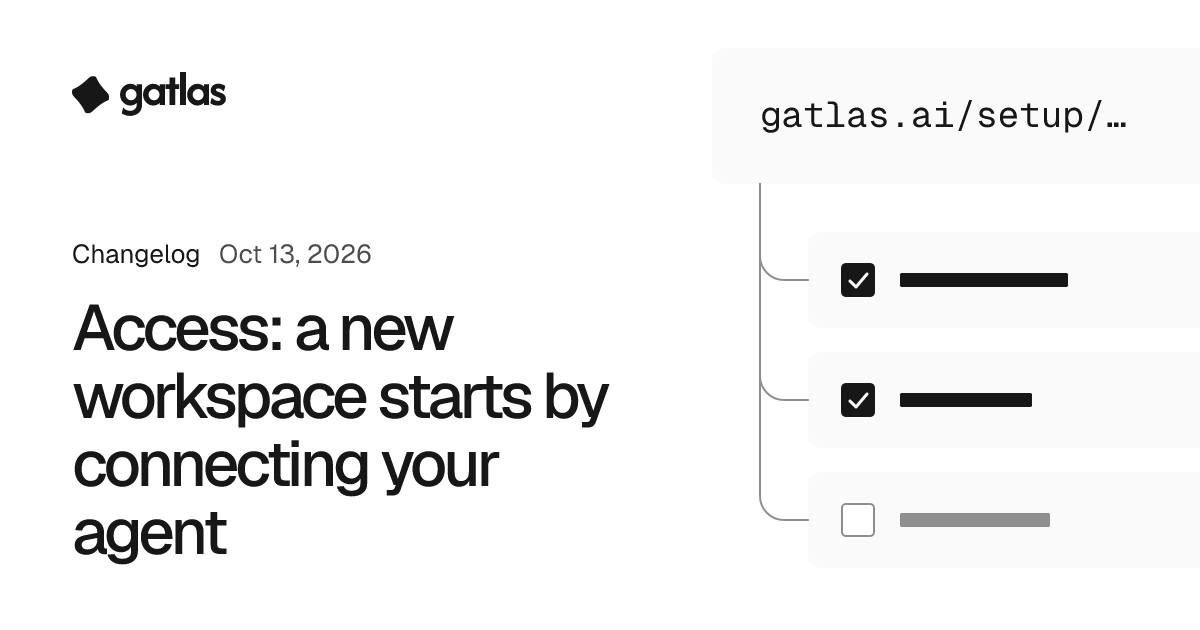
Access: a new workspace starts by connecting your agent
Sign-up leads to two steps: add Gatlas to your agent, then paste one prompt, and your agent offers the next step for your business.
Sign-up leads to two steps: add Gatlas to Claude, ChatGPT, Cursor or Claude Code, then paste one prompt into a new chat. Your agent says what Gatlas can do for your business and offers the next step, such as a setup link for your tools that works for 7 days without a Gatlas account. Anything more waits for your yes. Over the Model Context Protocol (MCP), the way your agent connects to Gatlas, the prompt is also gatlas_get_started. Admins and above connect this way, and Overview keeps both steps in view.
Use it to
- Set up a new workspace from a chat with your own agent.
- Get one setup link to forward to whoever holds a tool's login.